How to Subscribe to Reports
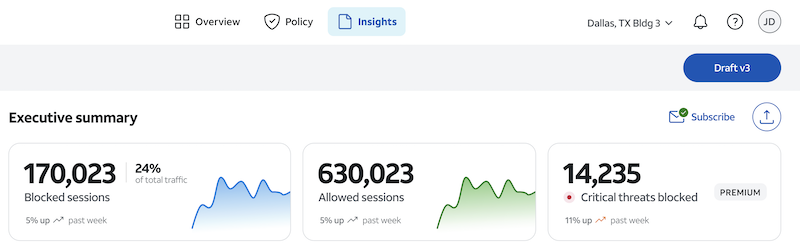
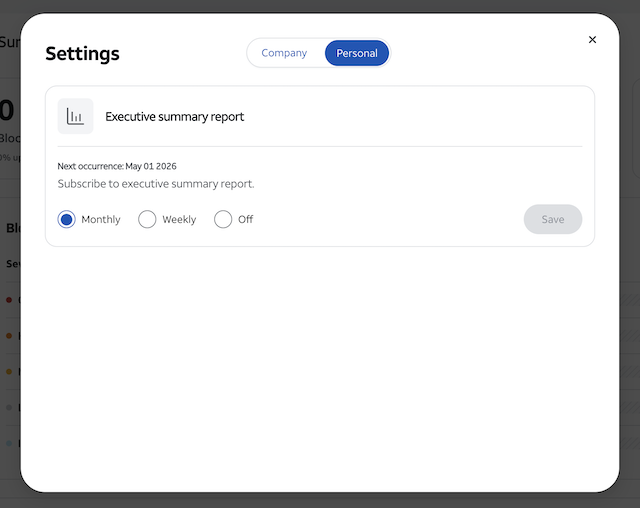
You now have the ability to subscribe to the executive summary and receive the report in your inbox on a set cadence. You can choose your cadence as monthly or weekly. If you are currently subscribed, you will see a green check mark on the "Subscribe" icon.
1
Navigate to Insights tab
Click on insights tab at the top center of the portal. You will land on the executive summary report.
2
Click Subscribe icon
At the top right of the executive summary report you will see "Subscribe." Click the icon to pop up a menu. Then choose if you would like to receive the report monthly, weekly or turn off the email. A green check mark will show on the icon if you are subscribed.
This Section
1
Navigate to Insights tab2
Click Subscribe icon